
Get fit by scrolling
RepTime locks distracting apps until you exercise. Level up your buddy as you go.


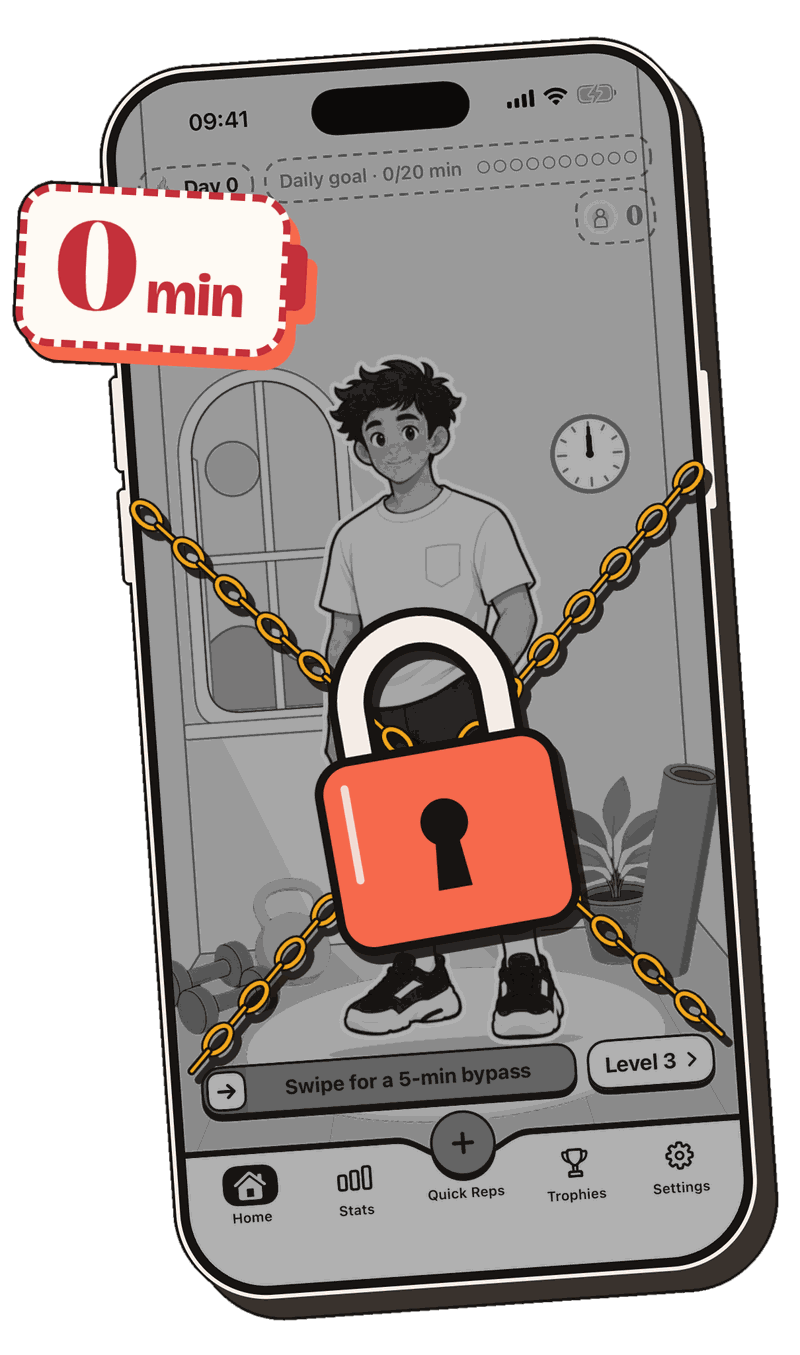
No minutes = No scrolling.
-
Out of minutes? Your addictive apps get blocked.
-
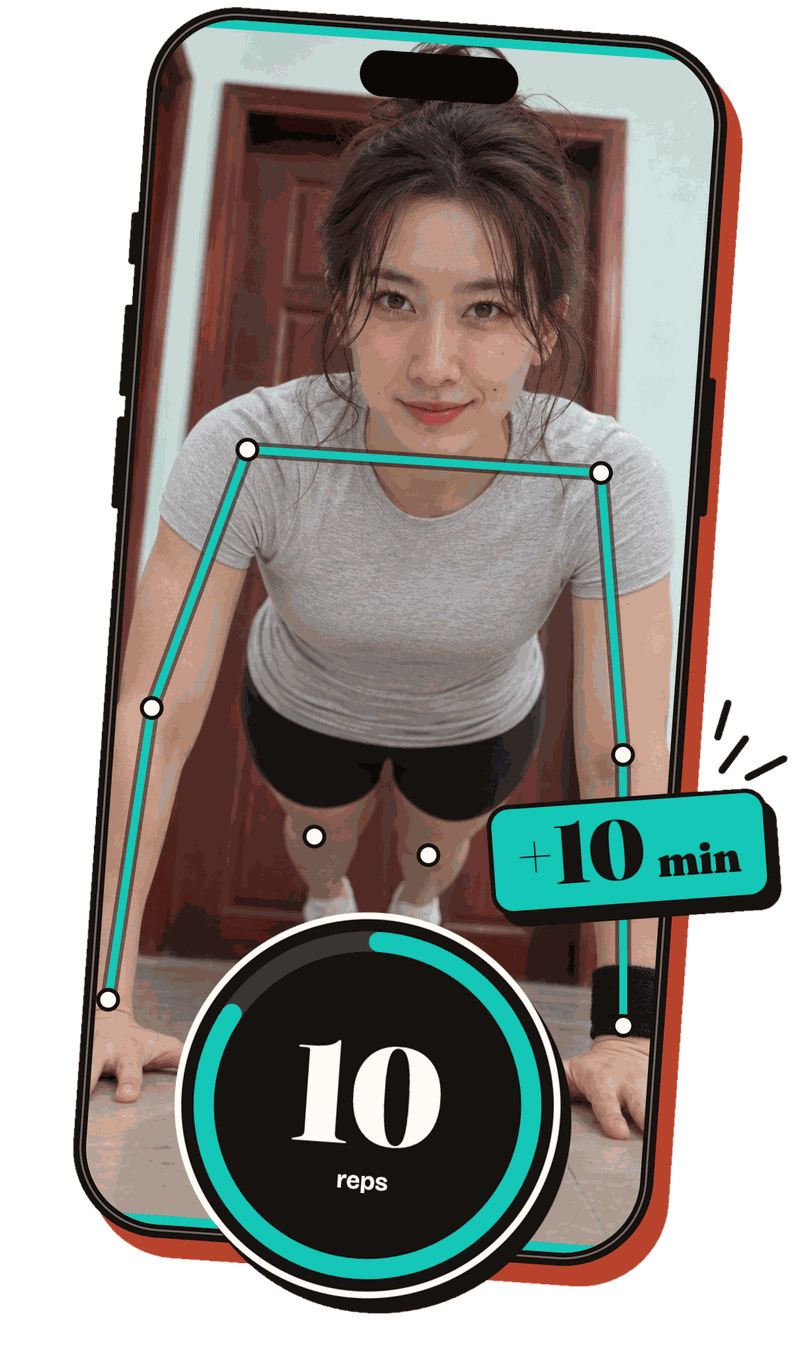
Move to earn minutes. The camera counts your reps.
-
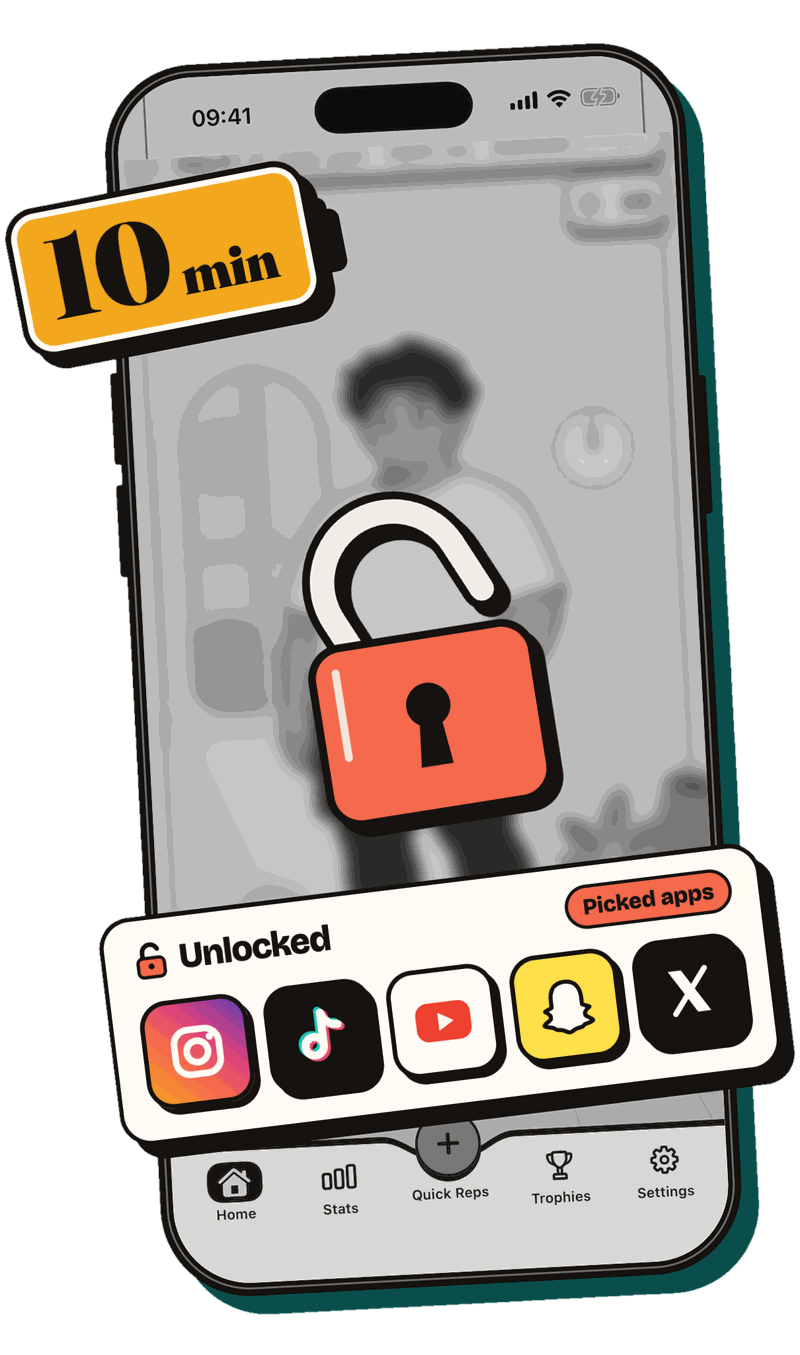
Spend earned minutes to scroll.

How RepTime helps
Blockers
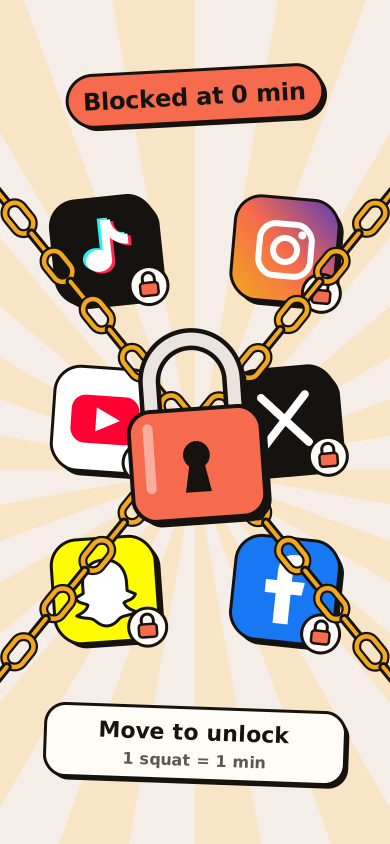
Block distracting apps and websites. Apps you didn’t pick stay unlocked.

Earn with workouts
9 home exercises and counting, plus your steps. No gym, no gear.


Level up
Train & see your buddy grow!

Aura gain
Used to power up your buddy, more uses coming.

Streak, stats & trophies
Form new habits & track your progress.

Lock in
With Hard Mode and a PIN code to keep you accountable.
Good questions.
How does RepTime work?
You pick the apps and websites that eat your time in Apple’s Screen Time picker. At 0 minutes they stay locked. Move to earn minutes, and they open. Minutes are spent only while a picked app or website is open. When you run out, they lock again.
Does earning screen time really work?
A preferred activity can be the reward for a less preferred activity. RepTime uses the same reward loop: exercise first, then scroll (see the sources).
Which apps can I block?
Any apps and websites you choose in Apple’s Screen Time picker: social feeds, short videos, games, anything. Everything you don’t pick stays free. RepTime never sees which apps you picked.
Which exercises count?
9 exercises and counting. Each of these earns 1 minute:
- 1 squat
- 1 push-up
- 1 side lunge
- 2 jumping jacks
- 2 high knees
- 3 overhead claps
- 2 seconds of squat hold
- 2 seconds of plank
- 100 steps (with Apple Health)
Is the camera private? Do I need an account?
The camera counts your reps on your iPhone. Frames are never saved or sent anywhere. There’s no account, no ads and no tracking. Read the privacy policy.
What if I can’t exercise right now?
Walking counts: with Apple Health, every 100 steps adds a minute. If you’re out of minutes and need an app now, swipe for a 5-min bypass on Home. Hold for 5 seconds, wait 15, and your apps open for 5 minutes. It resets today’s streak.
What is Hard Mode?
Extra rules for when you mean it. Turn off the 5-min bypass, let unspent minutes expire at midnight, and cap how long your picked apps can be used each day. A 4-digit PIN guards these settings, so you can hand it to a friend.
Which devices does it run on?
iPhone with iOS 16 or later. There’s no Android version.
More help on the support page.

